> ## Documentation Index
> Fetch the complete documentation index at: https://docs.extractor.live/llms.txt
> Use this file to discover all available pages before exploring further.
# Security Sleuth
> The Security Sleuth detector monitors Twitter for security-related sentiment, surfacing attack chatter, exploits, and incidents relevant to your contracts.
**Behavior**
Listens to a set of Channels and analyses them for security incidents with LLM. Currently supported: Sources (*Twitter*), LLM (*OpenAI*).
**Channels** are additional Twitter accounts (channels) to the predefined list of security information sources.
**Anchor** is a text filter before sentiment analysis to target specific content (for example, messages often have headers or titles). This allows to improve true positives content for analysis.
**Use cases**
* **Hack Intel from Twitter:** monitor a curated list of Twitter accounts belonging to known blockchain security experts and breach alert channels. When one of these sources tweets about a new exploit, hack, or vulnerability, the monitor's LLM analyzes the tweet's content for credibility and relevance. If it's a valid incident, the system generates an alert with a summary, enabling the team to quickly assess if their organization's systems could be affected by the same issue.
* **Brand Scam Monitoring:** watch Twitter for any mentions of brand coupled with scam indicators. Set an anchor filter, such as the product name plus words like "scam" or "phishing". If the monitor finds a tweet like "Beware, I got a phishing DM pretending to be \[WalletName] support," it will process it and alert the team. This heads-up allows the company to immediately notify users (via official channels) about the impersonation attempt and take steps to report or takedown the malicious account.
## Configuration
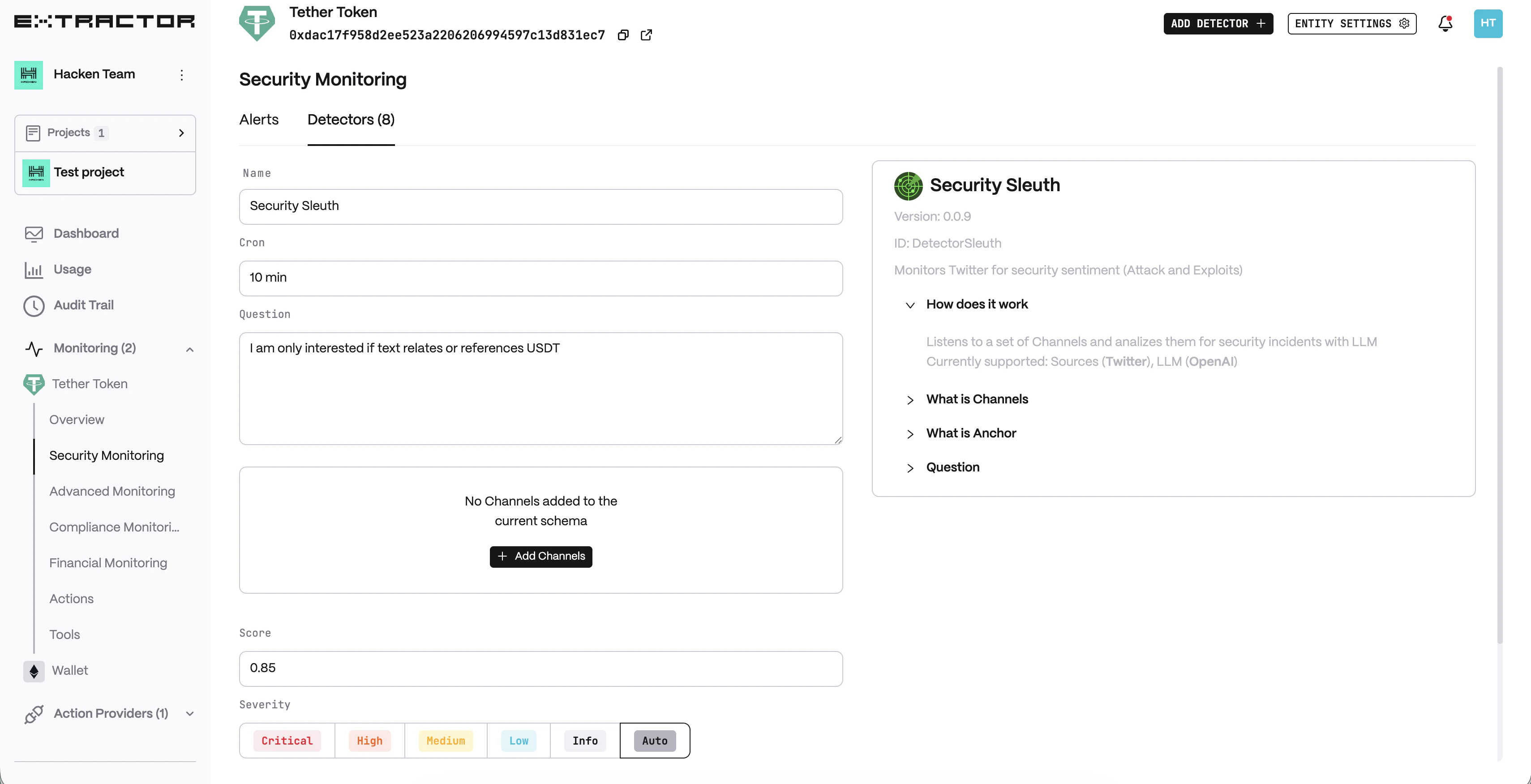
Enter a descriptive name for your monitor, for example: "Security Sleuth".
Enter a cron expression to define the schedule.
Enable to alert on any detected change.
The question or topic to analyse for security relevance.
Additional Twitter account(s) to monitor beyond the predefined sources.
Minimum LLM confidence score threshold for generating an alert.
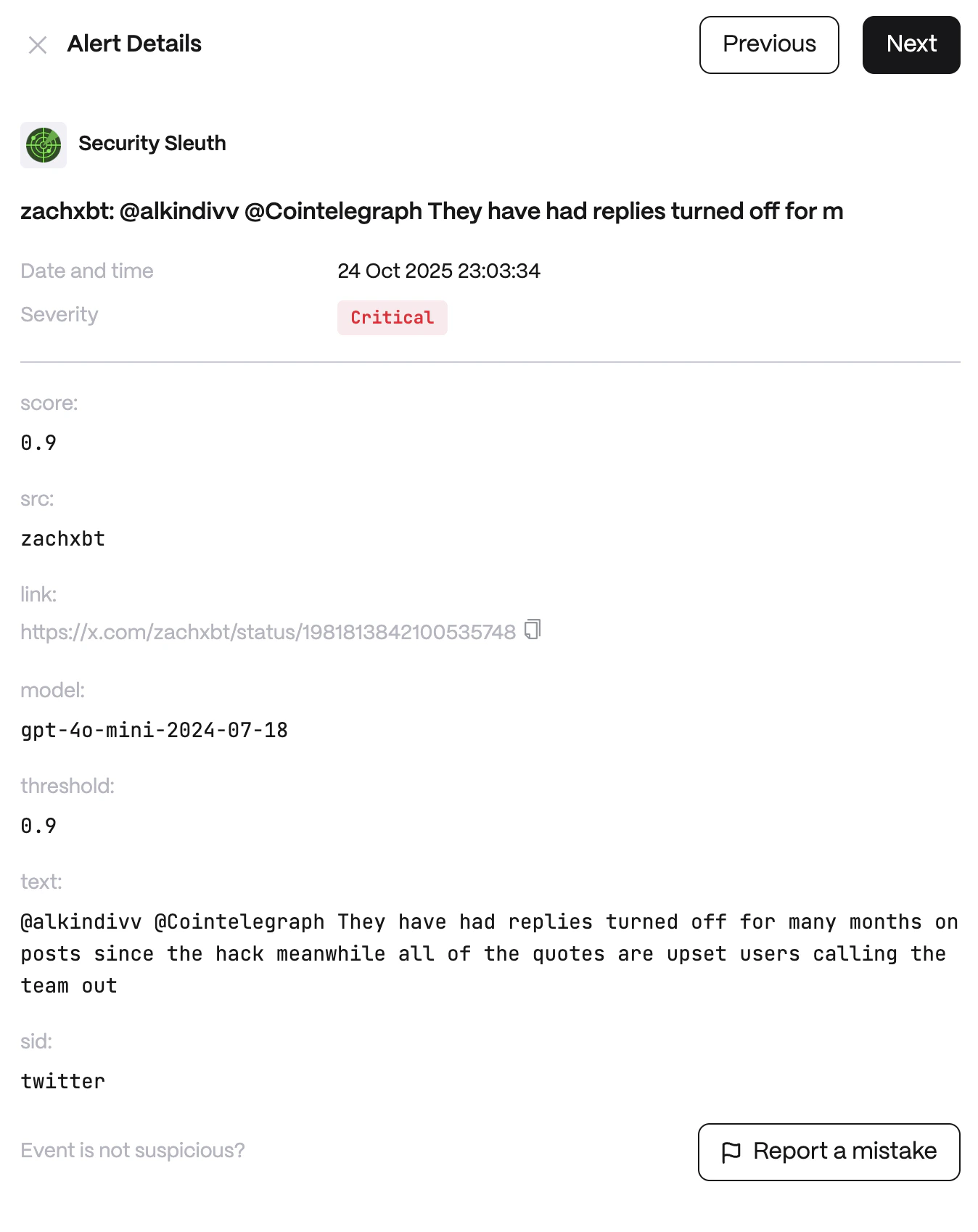
 **Alert example**